
Thrill Registration, Login and Verification Process
Thrill is a licensed online casino and sportsbook where creating an account gives you immediate access to real-money games, live sports betting, and a growing suite of promotions. The registration process takes only a few minutes via the website or mobile app. Every time you log in, your full game library, active bets, and bonuses are ready to access. Account verification protects your funds and activates withdrawal eligibility. Verified players also qualify for rewards including up to 70% Rakeback and a share of USD 75,000 in Weekly Leaderboard Bonuses.
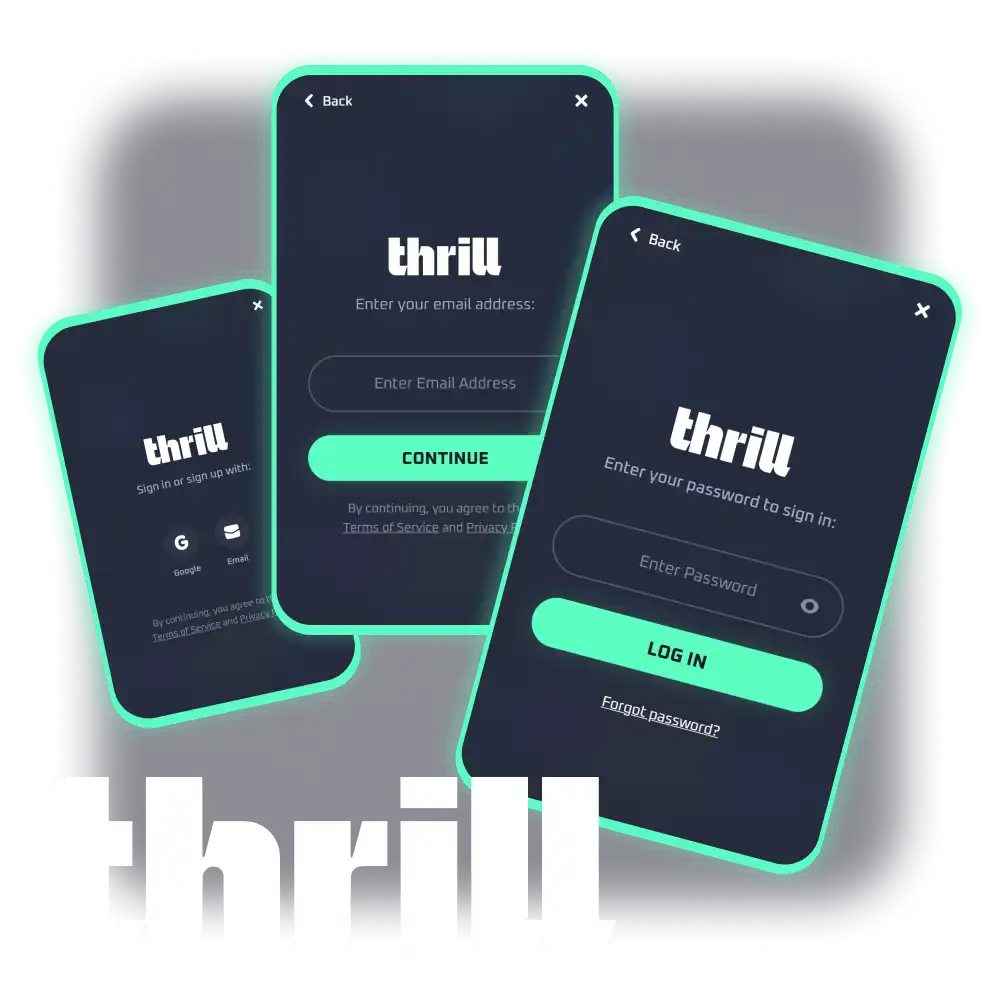
Thrill Sign Up Instructions
The Thrill sign up process is built for speed. You can create a new account in a few steps directly on this page, with no unnecessary forms or delays.
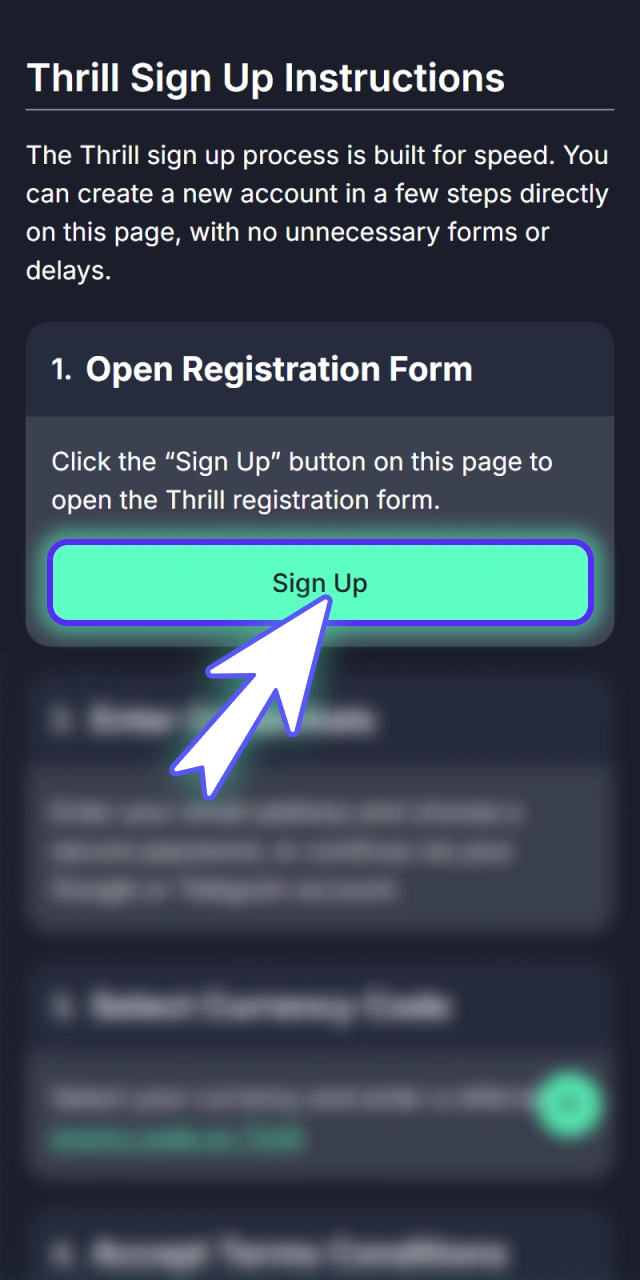
Open Registration Form
Click the “Sign Up” button on this page to open the Thrill registration form.
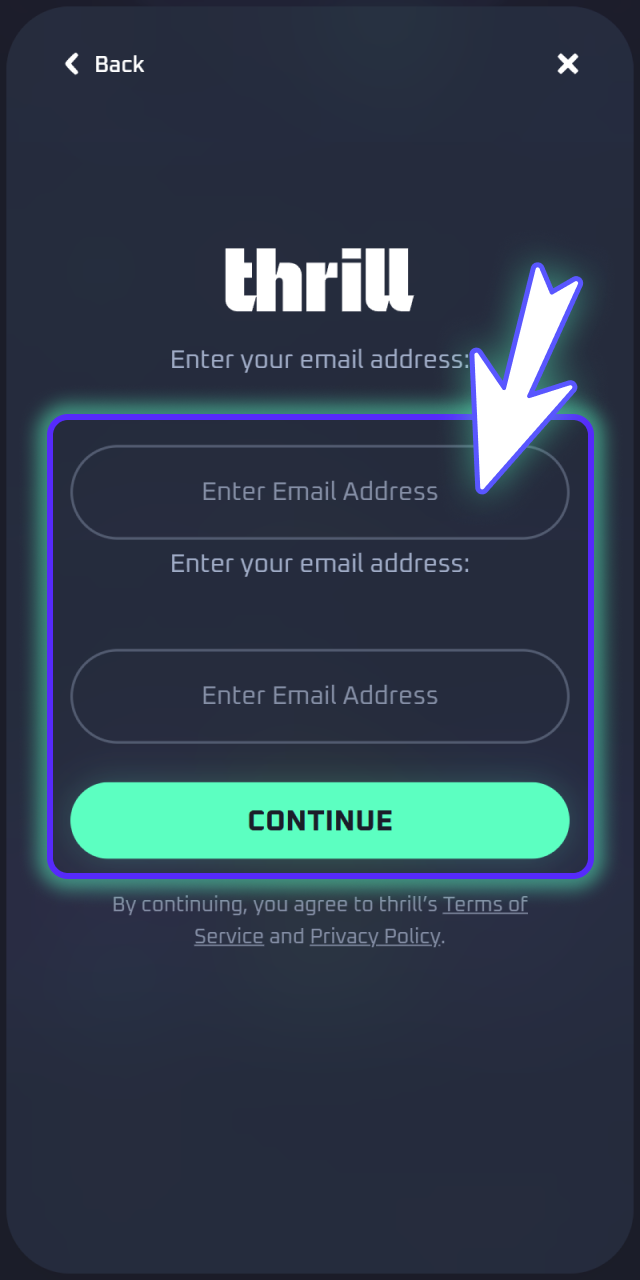
Enter Credentials
Enter your email address and choose a secure password, or continue via your Google or Telegram account.
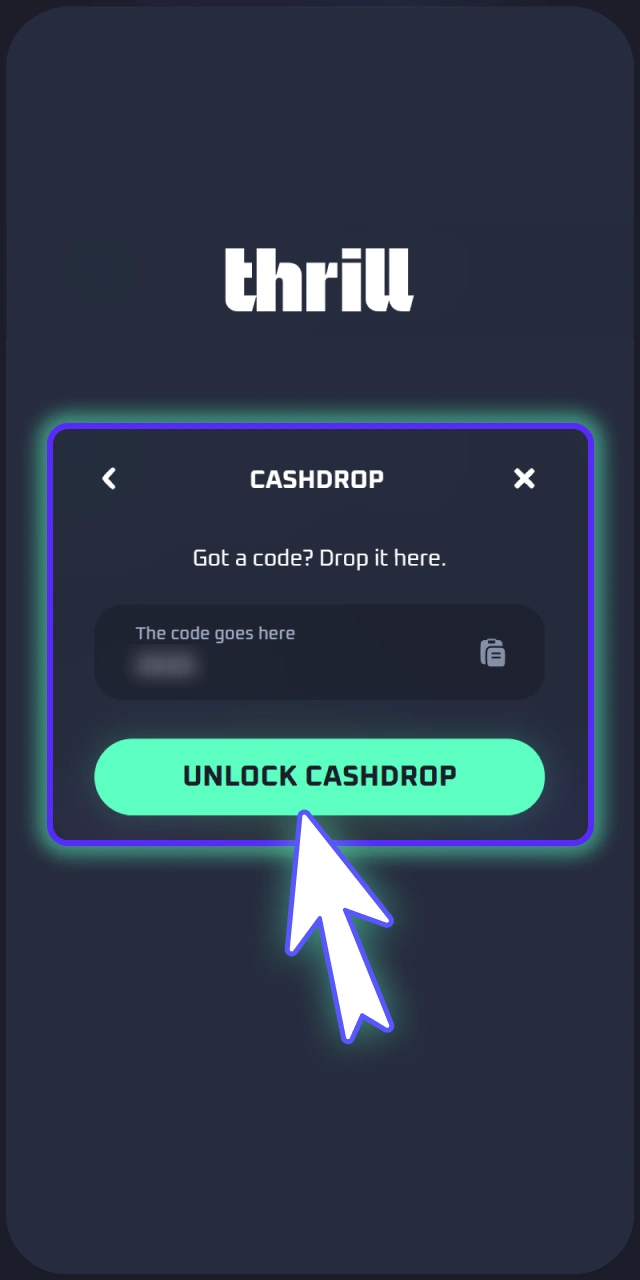
Select Currency Code
Select your currency and enter a referral or promo code on Thrill.
Accept Terms Conditions
Agree to the Terms and Conditions, then confirm you are 18 or older.
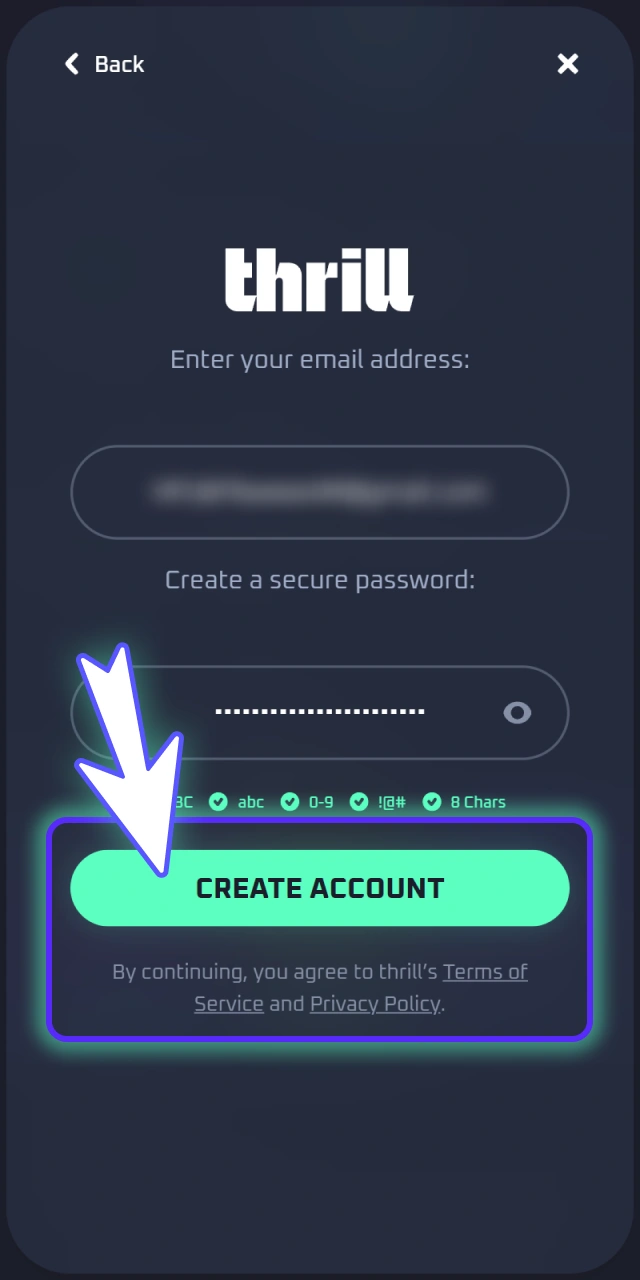
Verify Email Address
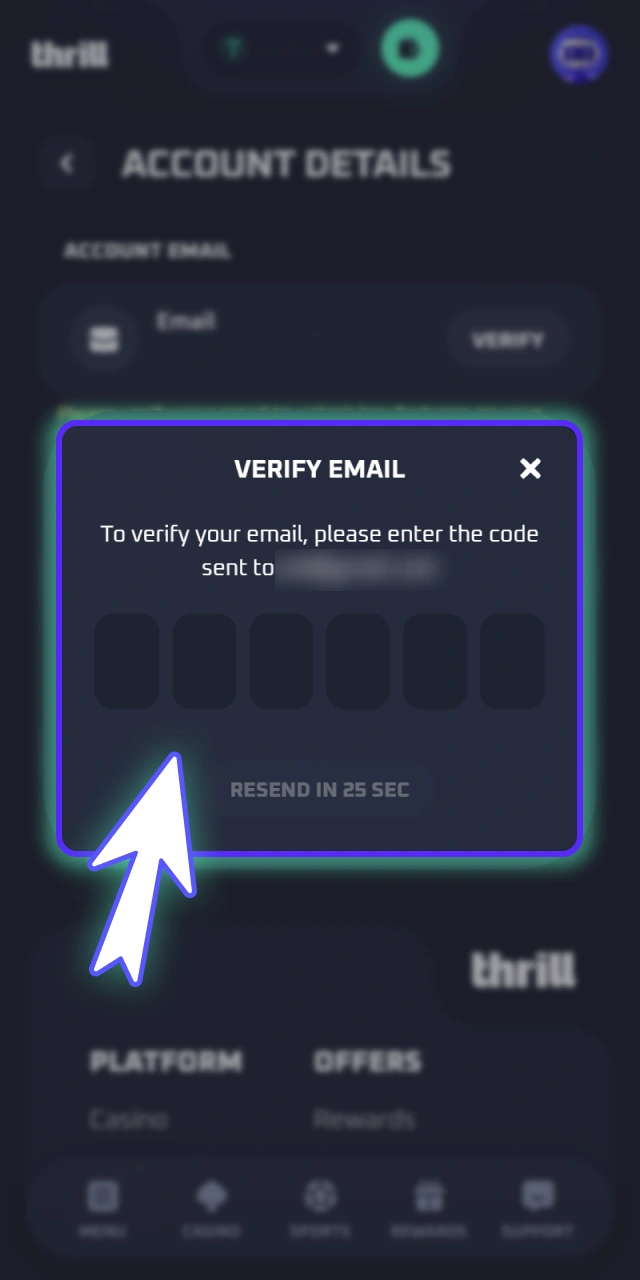
Submit the form and confirm your email address via the verification link sent to your inbox.
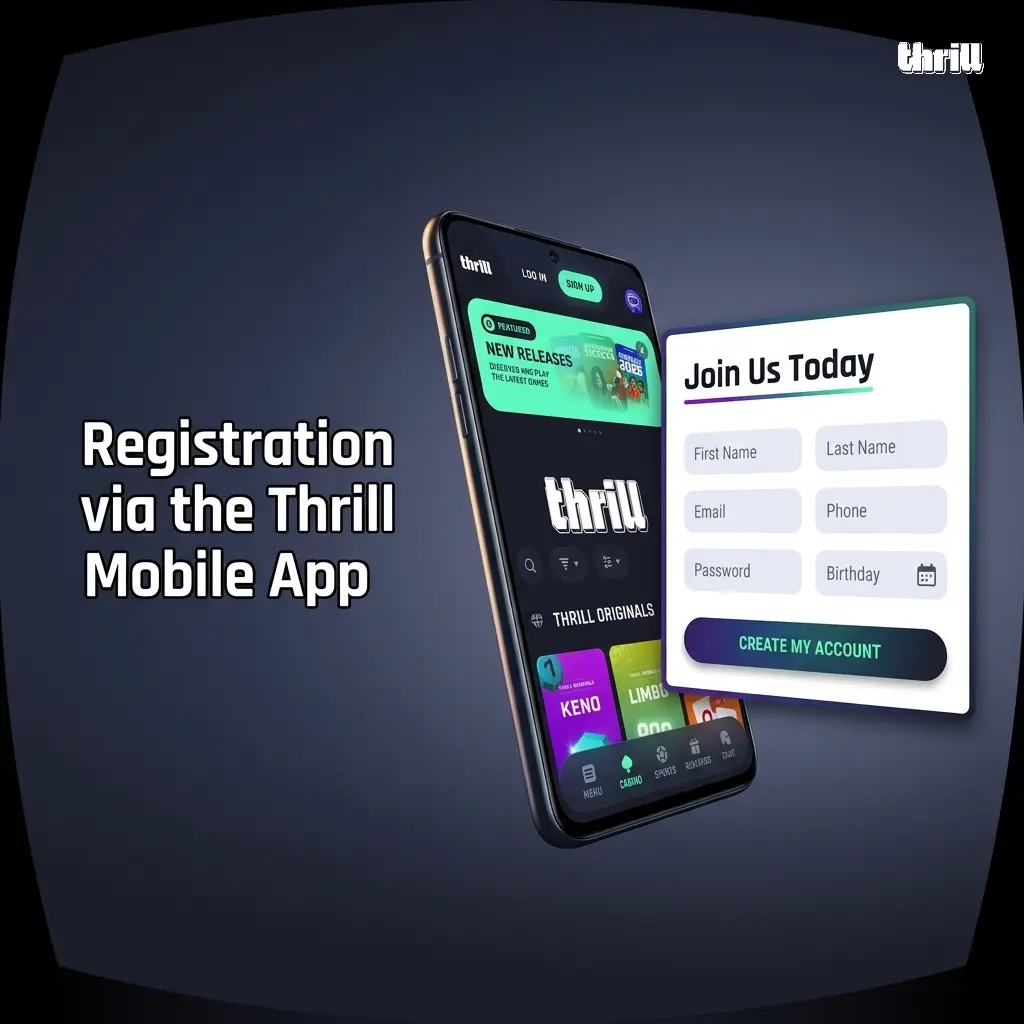
Registration via the Thrill Mobile App
The Thrill mobile app supports the same registration methods as the desktop site, with the added convenience of biometric login available immediately after your first sign in. The on-screen layout is optimised for smaller displays, so all form fields and confirmation prompts are easy to navigate on any Android or iOS device.
- Tap the link on this page to download the Thrill app and open it once installed.
- Tap “Sign Up” on the app home screen.
- Choose your registration method: email plus password, Google, or Telegram.
- Fill in the required details, select your preferred currency, and accept the Terms and Conditions.
- Verify your email address using the confirmation link sent to your inbox to activate your account.
Registration Requirements
All players must meet Thrill eligibility criteria before creating an account. Only one personal account is permitted per user. Providing accurate details at registration is essential, as your information must match the documents submitted during KYC verification before any withdrawal can be processed.
- Minimum age. Users must be at least 18 years old, as required by the platform’s licensing terms;
- One account per person. Each user is entitled to a single account; duplicate accounts may be suspended;
- Valid personal information. Your name, date of birth, and contact details must be accurate and match your official ID documents;
- Accepted countries. Players must register from a jurisdiction permitted under Thrill’s current terms of service; access from restricted regions is not allowed;
- Responsible gambling compliance. By registering, users confirm they are not subject to any self-exclusion order and are participating voluntarily.
Thrill Account Verification Process
KYC (Know Your Customer) verification confirms your identity and links your account to your personal details. It is required by Thrill before your first withdrawal can be approved. Completing verification also raises your account security level and can increase transaction limits.
- Log in to your account on this page and navigate to the “Profile” or “Account Settings” section.
- Locate the “Verification” or “KYC” tab and begin the identity check.
- Upload a clear copy of a valid government-issued photo ID, such as your National Identity Card (CNIC) or passport.
- Submit proof of address if requested, such as a utility bill or bank statement issued within the last 3 months.
- Wait for the review confirmation, which is typically completed within 24 to 48 hours, after which your withdrawal access is activated.
Login to Your Thrill Account
Your login method corresponds directly to the registration path you chose. If you signed up with an email and password, use those credentials each time you sign in. Players who registered via Google or Telegram should use the same third-party option to access their account.
- Click the “Login to Account” button on this page to reach the Thrill sign in screen.
- Select your login method: email and password, Google, or Telegram.
- Enter your registered credentials or authorise access through your chosen social account.
- Complete any two-factor authentication prompt if enabled on your account.
- You will be redirected to your account dashboard, where your balance, active bonuses, and game history are available.
Welcome Bonus After Registration
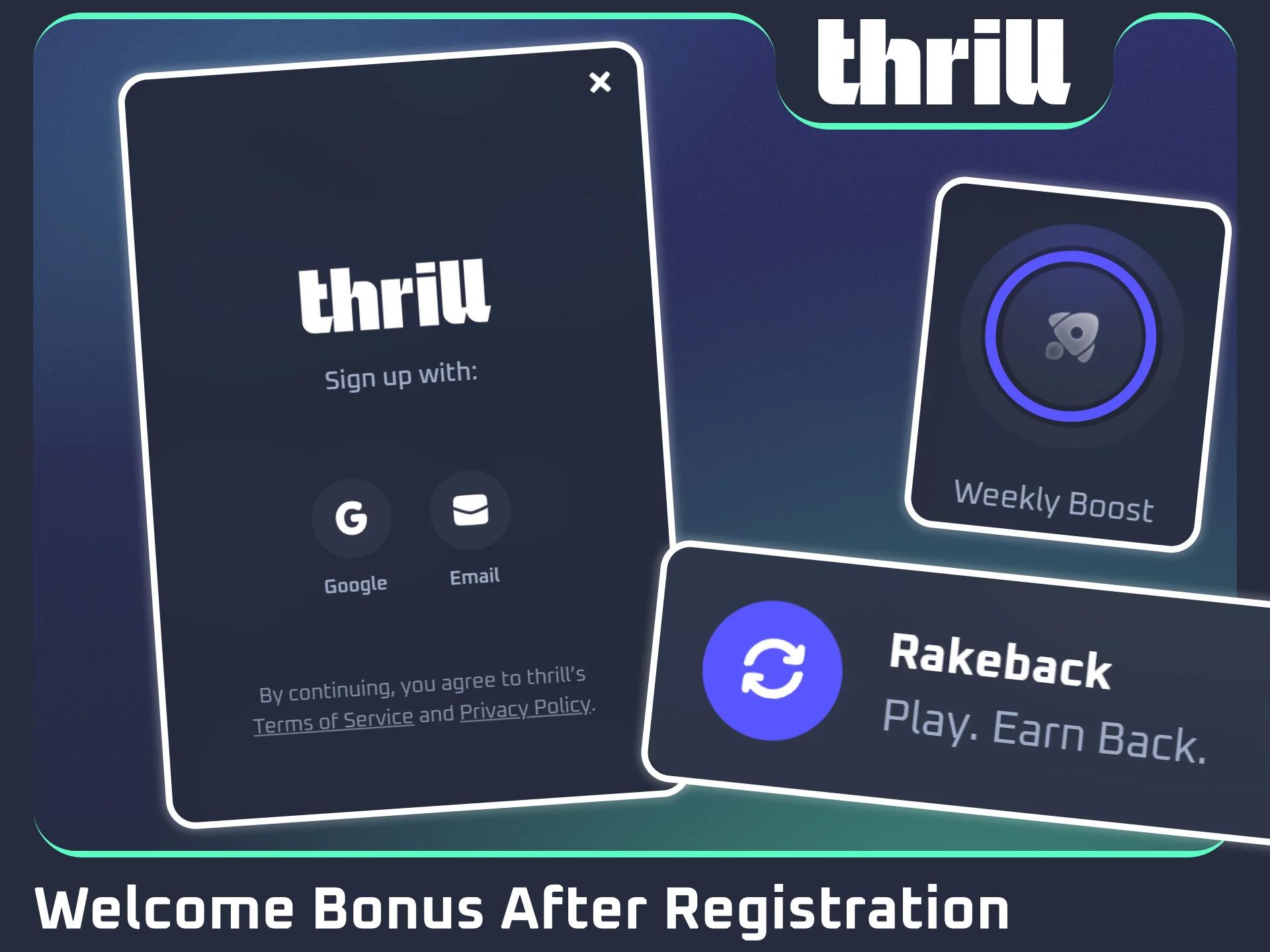
Thrill rewards new and active players with a competitive ongoing promotions structure. After completing your registration online and making your first deposit, you become eligible for Rakeback and the weekly prize pool competition.
- Rakeback Program. Up to 70% Rakeback on eligible casino play. The percentage is based on your activity tier; no minimum deposit threshold is published for this programme;
- Weekly Leaderboard Bonus. A share of USD 75,000 distributed every week across the leaderboard. Players earn points through real-money wagering on casino games and sports bets. Final prize distribution depends on your leaderboard position at the end of each weekly cycle.
All bonuses are subject to Thrill’s current terms and conditions. Review the Promotions page after registration for full eligibility rules.
Potential Issues When Registering an Account
Most registration problems on Thrill are caused by form entry errors or email delivery issues and can be resolved quickly. If your problem is not listed below, contact Thrill support via the live chat feature available directly on the platform for real-time assistance.
| Problem | Solution |
|---|---|
| Confirmation email not received | Check your spam or junk folder. If it is not there, request a new confirmation email from the sign up page |
| Email address already registered | Use the password recovery option to regain access, or contact support if you did not create the account |
| Registration form not submitting | Clear your browser cache, disable any active VPN, and retry using an updated browser |
| Promo code not accepted | Confirm the code is still valid and was entered exactly as provided, with no extra spaces |
| Country not available in the dropdown | Your region may be restricted under current terms. Contact support to confirm your eligibility |
Account Password Recovery
If you lose access to your Thrill account, password recovery is available directly through the login screen. The process requires access to the email address used during registration, so keep that inbox accessible.
- Click “Login to Account” on this page and select the “Forgot Password” link on the sign in screen.
- Enter your registered email address and submit the request.
- Open the password reset email sent to your inbox and click the secure reset link.
- Enter and confirm your new password, then log in using your updated credentials.
Delete Your Thrill Account
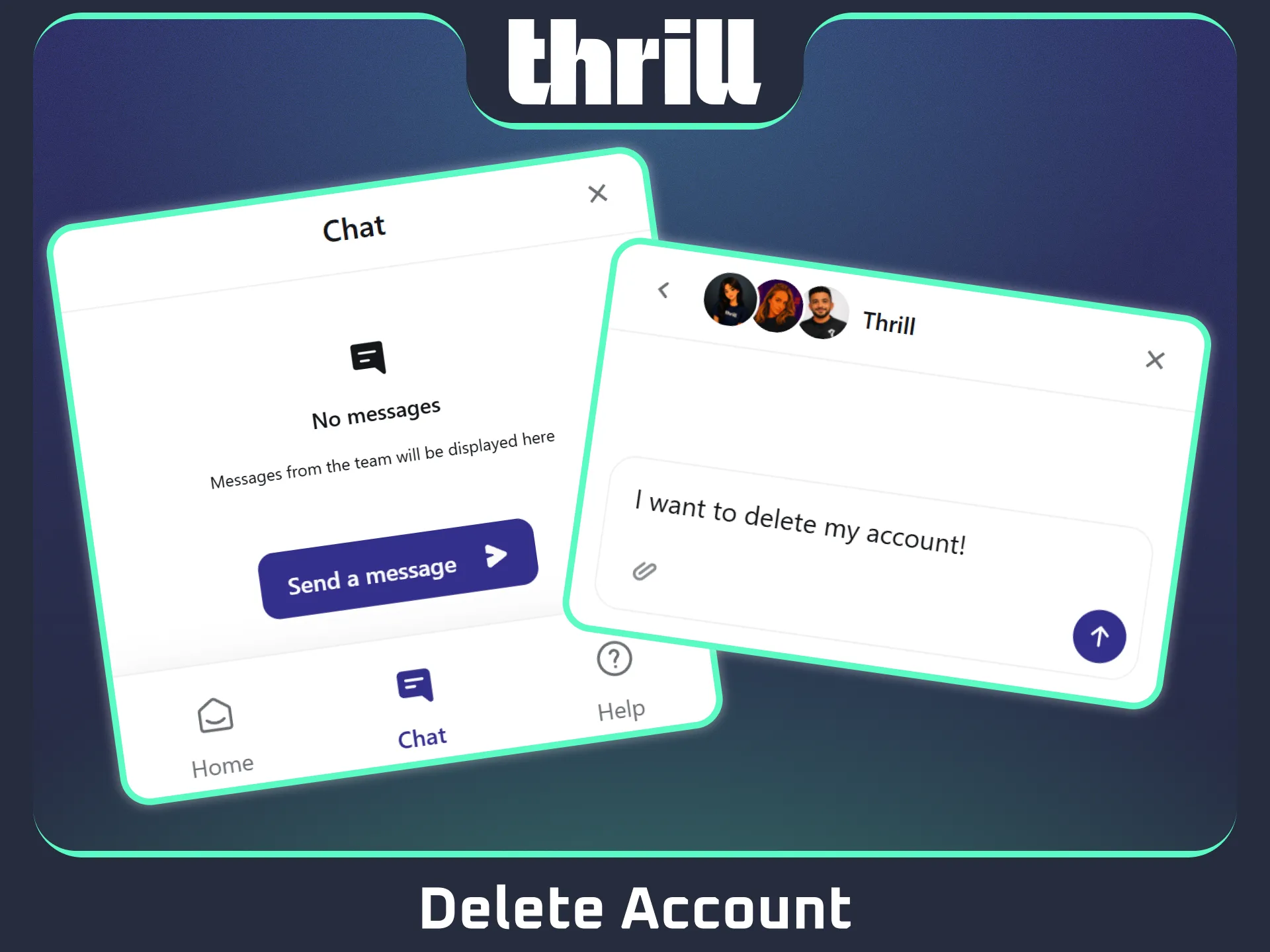
Players may choose to close their Thrill account for personal reasons, including a decision to stop gambling or a preference to remove their data from the platform. Before requesting deletion, ensure you have withdrawn any remaining balance, as funds left in a closed account may not be recoverable.
- Log in to your account on this page and navigate to “Account Settings” or “Profile”.
- Locate the account closure or deletion option; if it is not visible, open a live chat request and ask the support team to initiate the account closure process.
- Confirm your decision when prompted and complete any identity verification step required to authorise the deletion.
FAQ
Can I register a Thrill account without providing personal details immediately?
You must provide a valid email address and password, or authorise via Google or Telegram, at the point of registration. Full personal details are required at the KYC verification stage before withdrawals are enabled.
How long does KYC verification take on Thrill?
Verification is typically reviewed within 24 to 48 hours of document submission. You will receive a notification once the review is complete.
Is it possible to play in demo mode without creating an account?
Thrill requires account registration for real-money play. Check the platform’s game pages directly to confirm whether any titles support a guest or demo mode.
Can I change the email address linked to my Thrill account?
Email address changes must be requested through the support team. Prepare proof of identity before submitting the request, as verification is required to authorise any change to core account details.
Are withdrawals blocked if my account is not fully verified?
Yes. KYC verification must be completed before your first withdrawal is processed. Deposits and gameplay are accessible earlier in the process, but fund withdrawals on Thrill require a confirmed identity on file.
Updated:
Comments